The Beginning

2 Comments

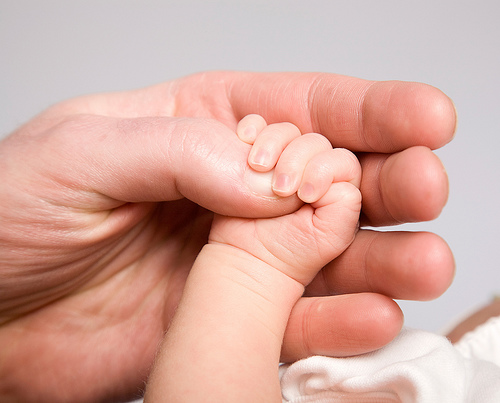
This simple image of a baby’s hand being held by her father marks a new chapter in my stock photography. I have been accepted as a contributing artist for Getty Images and this is the first image in my new Getty portfolio.

The process of adding images to Getty is a bit different than adding to iStockphoto. The main difference is the time for acceptance. On iStock I can have an image added to my portfolio in around one day, while on Getty it takes nearly two months. Good things can come to those that wait though, since the average income per image sold is considerably higher on Getty.

In the coming months and years, I will be deciding which images to add to Getty and which to add to iStock. I look forward to growing the new portfolio and comparing its performance with my ever growing iStock collection.

Canon 5D, Canon 24-105 f/4L lens – 1/125 second, f/8, ISO 100

April 19, 2008 at 6:09 am by | Categories: Post

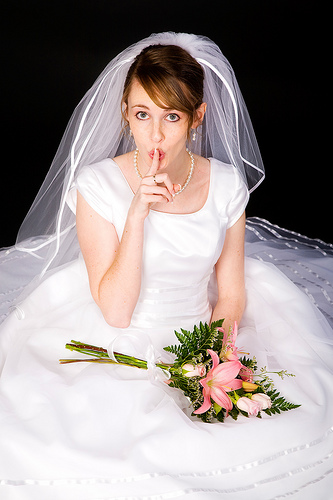
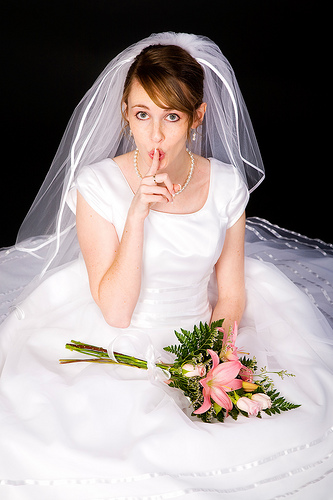
I’ve got a secret . . .

2 Comments

Canon 5D, Canon 24-105 f/4L lens – 1/125 second, f/11, ISO 100

April 18, 2008 at 10:54 am by | Categories: Post

For the Birds

1 Comment

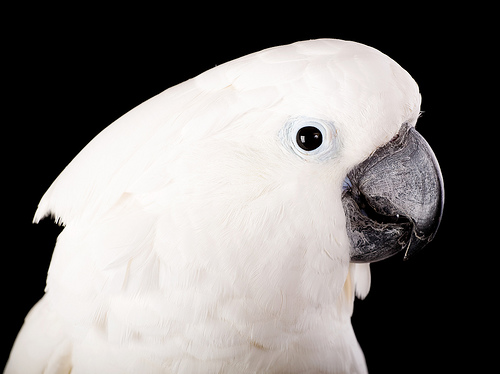
I just returned from spending the morning in the home of a very nice couple that happen to have over a dozen exotic birds. The purpose of my visit was to take portraits to add to my stock portfolio.

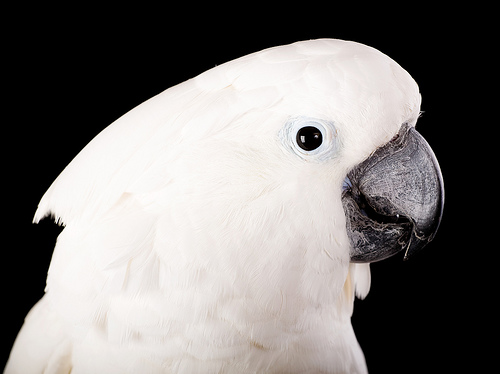
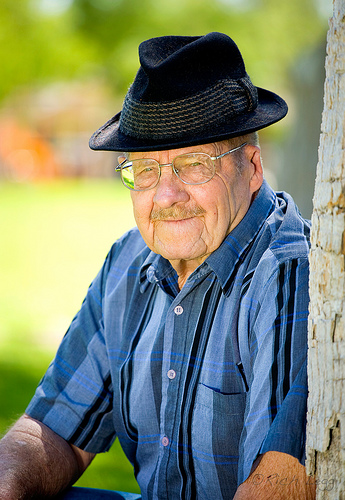
Today’s featured image is the star of this morning’s shoot, Dixie. I have a bit of a history with Dixie, since he lived with us for a period of time around five years ago. He is an extremely handsome Cockatoo and loves to be photographed. I set up lights and a backdrop in the couple’s living room and then let the birds hang out while they took their turns being photographed.

One of the things I aim for in my stock image portfolio is diversity. With the addition of today’s bird images, my inventory will definitely become even more diverse.
(The full set of images can be seen here)

Canon 5D, Canon 70-200 f/4L lens – 1/160 second, f/9, ISO 100

April 17, 2008 at 12:35 pm by | Categories: Post

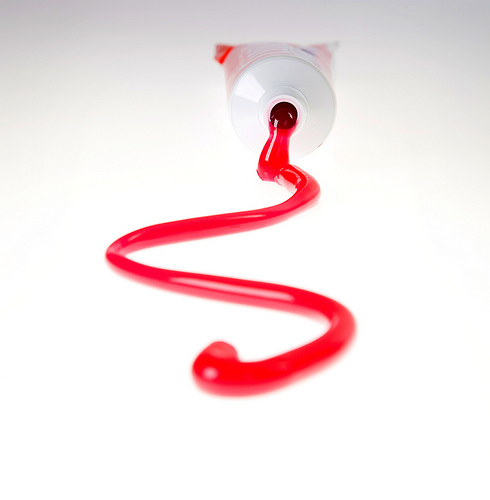
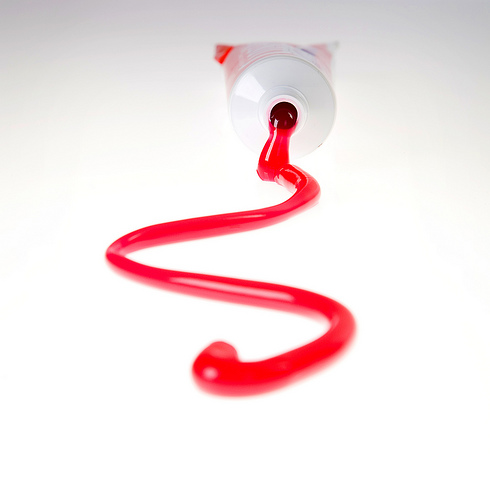
An Ounce of Prevention

No Comments

Canon 5D, Canon 24-105 f/4L lens – 1/125 second, f/13, ISO 100

April 16, 2008 at 1:32 pm by | Categories: Post

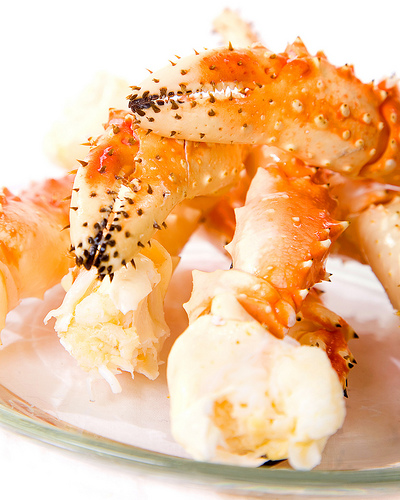
Colorful Crab Legs

No Comments

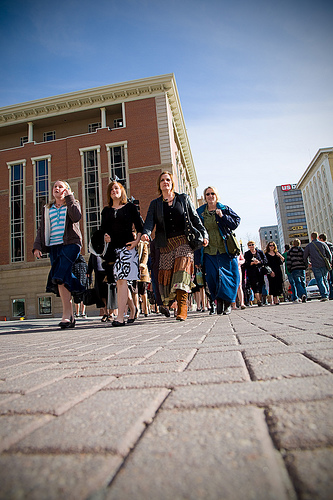
These fresh king crab legs served a two-fold purpose yesterday. First they made a colorful stock photo subject, then they became a tasty lunch.
Canon 5D, Canon 24-105 f/4L lens – 1/125 second, f/9, ISO 100

April 15, 2008 at 10:37 am by | Categories: Post

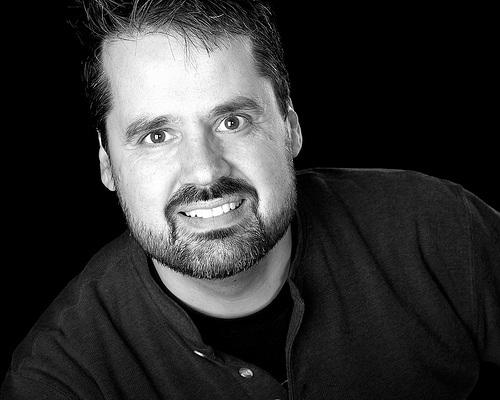
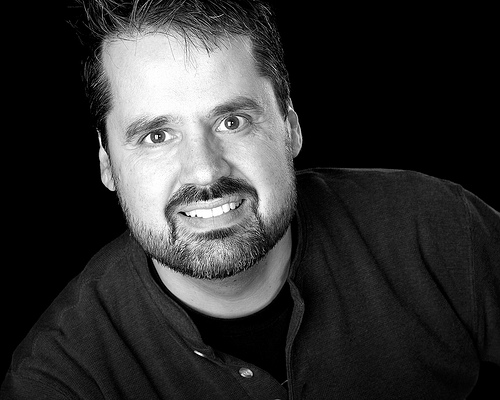
Hey, It’s Me!

No Comments

Here’s a bit of vanity for this Monday morning. I needed an updated image for my online profile on sites like iStockphoto, Flickr, Model Mayhem, etc. so I jumped in front of the camera and shot one.

Canon 5D, Canon 24-105 f/4L lens – 1/125 second, f/8, ISO 100

April 14, 2008 at 9:15 am by | Categories: Post

Top Shelf Celebration

1 Comment

Canon 5D, Canon 24-105 f/4L lens – 1/200 second, f/4, ISO 100

April 12, 2008 at 9:07 am by | Categories: Post

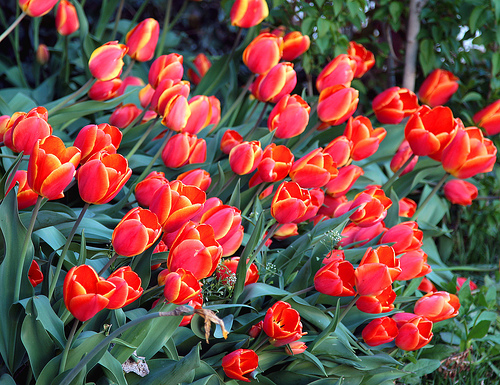
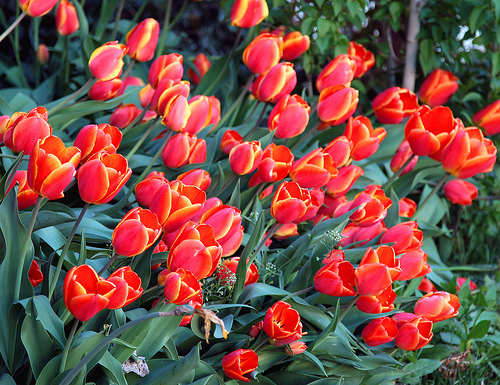
Save the Date: Photowalking Utah Tulip Festival

2 Comments

The next Photowalking Utah event is coming up on April 19th. Here are the details from the announcement:


This month’s event is scheduled for Saturday April 19th from 5:00 pm to closing at 7:00 pm. We’ll enjoy the blooms of spring around the Gardens at Thanksgiving Point catching the evening light.

They are located just off I-15 in Lehi. Click here for a map.
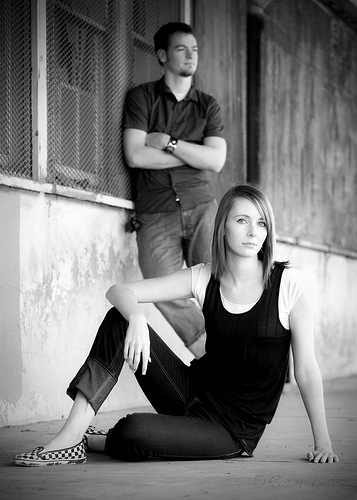
As always, this is for photographers of any age and skill level to come and enjoy taking pictures with other like minded people.

There is an admission fee:
Adults: $10.00
Child (Ages 3-12): $6.00
Senior (Ages 65+): $9.00
Tickets are available online.

Afterward, we’ll be meeting for dinner at some place yet to be determined.


As was stated in the announcement, these events are open to photographers of any skill level. The group is a great way to meet other shooters and advance your own photography knowledge. Feel free to contact me at rich(at)leggnet.com with any questions about the event. You can also add to the conversation on the Flickr discussion. I hope to see many of you on the 19th.

April 11, 2008 at 4:51 am by | Categories: photowalking

I Dream In Color (guest post by Jeremy Hall)

2 Comments

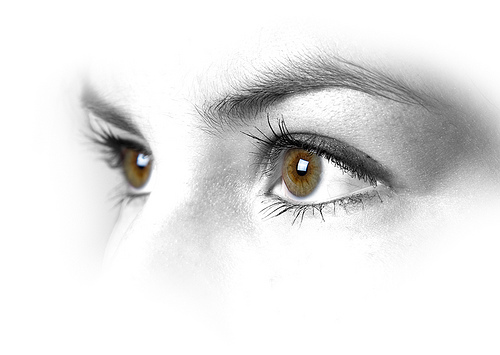
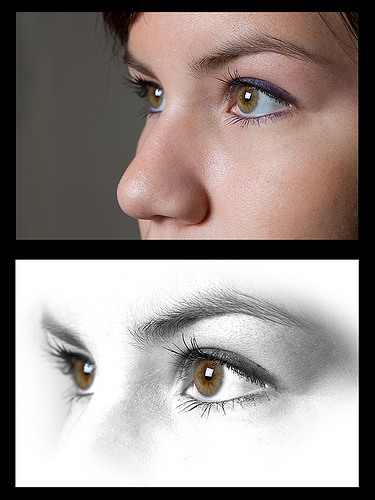
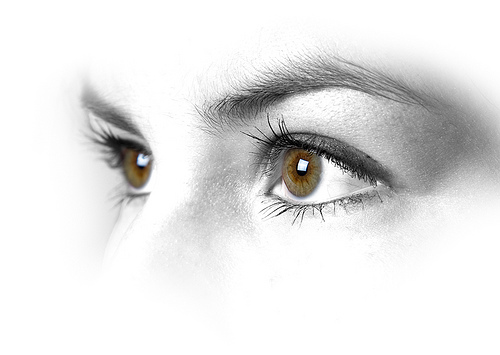
Today’s image was created by Jeremy Hall. Jeremy is a friend of mine that I met through Photowalking Utah. I saw this image on Jeremy’s Flickr photostream and asked him to write about how he created it.

By Jeremy Hall

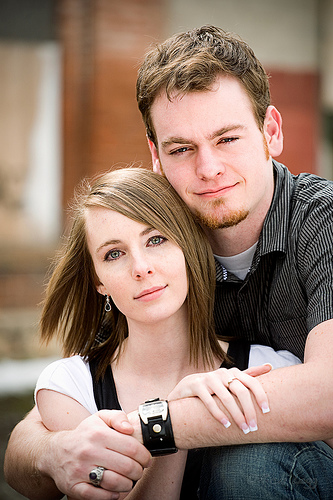
I have some great friends and co-workers that step in as my models when I have ideas for new shoots. Good people. Kattie is a beautiful girl working in our customer service department that has very photogenic eyes and an appreciation for taking good photos. I have had in my mind some ideas for taking a series of photos of just eyes or tightly composed face shots, and she was willing to be my first victim.

After taking a series of shots, angles and lighting adjustments I went to work in Lightroom seeing what I had to work with. Lately I have been spending a lot of time trying to learn new development techniques in Photoshop, so when I take photos I tend to view them as a canvas ready to be brought to life. This is not to say I don’t try to get a perfect image out of the camera without processing, but the processing has been my interest of late. There is so much to learn and evolve in photography that I love!
One thing I especially enjoy about photography is the willingness of most other photogs to share their knowledge. Sure, there are some “secret sauce” business things that tend to stay protected; but when it comes to creating beautiful art, most are willing to help along those of us earlier in the learning process. With that in mind, I am always happy to share what I know to help others learn like I am.

Here are some notes of what I did with this image:

1. Shot normally with single soft box and model facing light at slight angle

2. Slightly underexposed in Lightroom to maintain shadow detail.

3. Photoshop channel mix layer for high key b&w conversion with selective mask to avoid eyes. For the b&w I just play with the sliders until I achieve the look I am going for that best enhances the photo.

4. Same eye selection (control/cmd click the previous adjustment layer thumbnail to reselect) for saturation and curves

5. Several dodge & burn layers for enhanced high key and knocking out aspect of background and face I didn’t want.

That’s really it. I did a crop based on how I wanted to display the image and some additional selective sharpening once the image was downsized. My preferred technique for a final sharpening is to create a duplicate of the background layer, apply the sharpening that best fits the important areas of the image, then apply a layer mask to hide all of the sharpening and then paint back on with a soft brush where I want the sharpening applied.

For comparison I have created this before and after image.

Thanks for the invite on the guest post, and I always appreciate visitors and comments over on my site at www.whatsgottastay.com and on my Flickr stream!

April 10, 2008 at 3:35 pm by | Categories: tutorial

Love

No Comments

Canon 5D, Canon 24-105 f/4L lens – 1/125 second, f/9, ISO 100

April 9, 2008 at 6:32 am by | Categories: Post